What is RE:FACE?
RE:FACE is a service that uses AI to swap faces in adult videos. There's no complicated setup — just prepare an adult video and a face photo, and a face-swapped video is ready in no time.
Prepare a photo of the person you want

Prepare an adult video you like

RE:FACE composites the face onto the video

Video created by RE:FACE

At first I was skeptical — "Can it really be that simple?" — but when I actually tried it, I was amazed at how easy it was, and the result was genuinely hot. I sent it to a friend and got an instant reply (lol).
The one thing I wasn't sure about at first was where to get the source adult video. In the next section, I'll walk you through exactly how to get one.
First, Get Your Source Video
To use RE:FACE, you'll need an adult video to start with. The site we'll use — X (Twitter) Free Adult Video Download Ranking — is completely free with no registration required, so feel free to check it out. Follow the steps below to easily save a video using just your PC or smartphone browser.
-
1
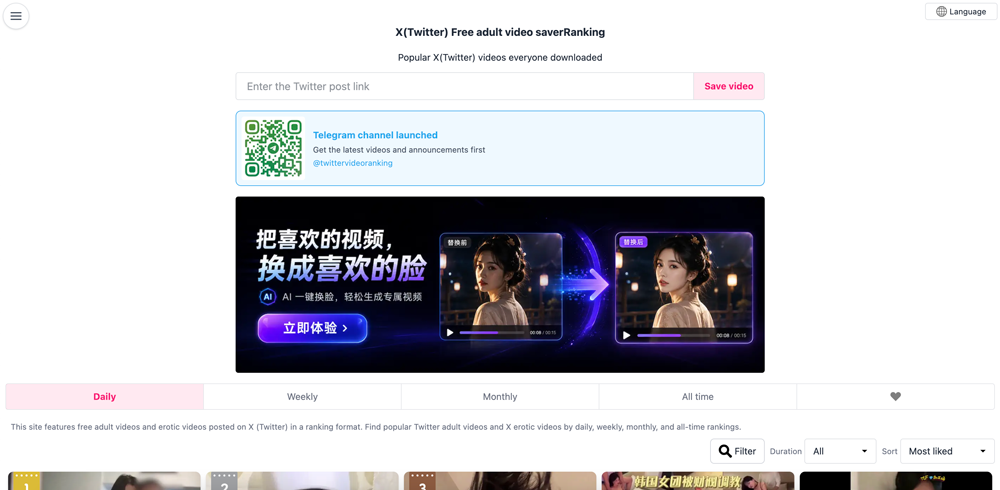
Open the X (Twitter) Free Adult Video Download Ranking
Visit the X (Twitter) Free Adult Video Download Ranking page. It's free to use with no sign-up required, and features a curated list of popular adult videos. You'll be able to find something you like right away.
-
2
Use the time filter to narrow results to videos under 15 minutes
Once the ranking list appears, use the time filter to narrow results to videos between 5 and 15 minutes. Shorter videos process faster and make it easier to visualize the final result, so we recommend starting there.
⚠️ Note: RE:FACE supports videos up to 15 minutes long. Videos longer than this will cause an error during upload, so be sure to filter by duration beforehand.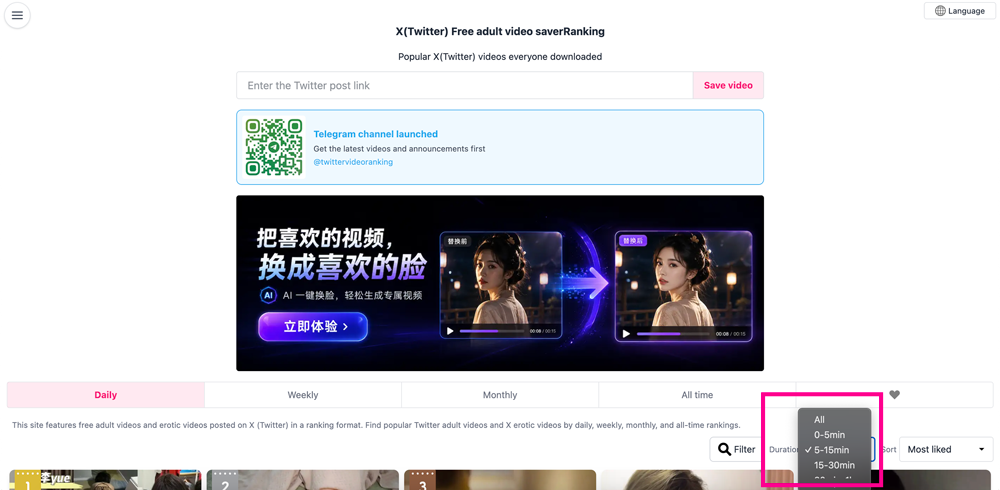
-
3
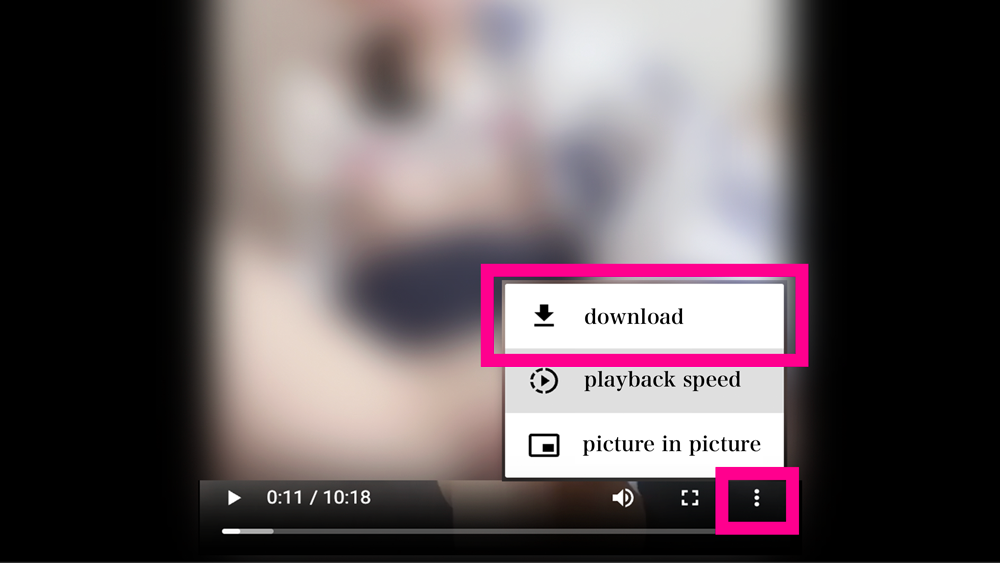
Go from List → Detail → Playback, then download via the browser's three-dot menu
Once you've chosen a video, follow these steps.
Tap a video in the list to open its detail page. Then tap the video thumbnail on the detail page to go to the playback screen. Once playback starts, tap the three-dot menu (…) in the top-right or bottom-right of your browser. A menu will appear — select "Download video" to save it.
Wrapping Up
Once you have the video, all you need to do is prepare a face photo and head over to RE:FACE. For best results, use a photo where the person is facing directly toward the camera — the AI will recognize the face more accurately and the final output will look much more natural.
Once your materials are ready, create a RE:FACE account and give it a try!
Try RE:FACE →